Create with GPT Image online
OpenAI's GPT Image models follow long, detailed prompts closely and render legible text inside images — posters, infographics, UI screens and photoreal scenes. Generate from text, edit a photo, or blend several references, no setup required.
Free credits on sign-up · No credit card required
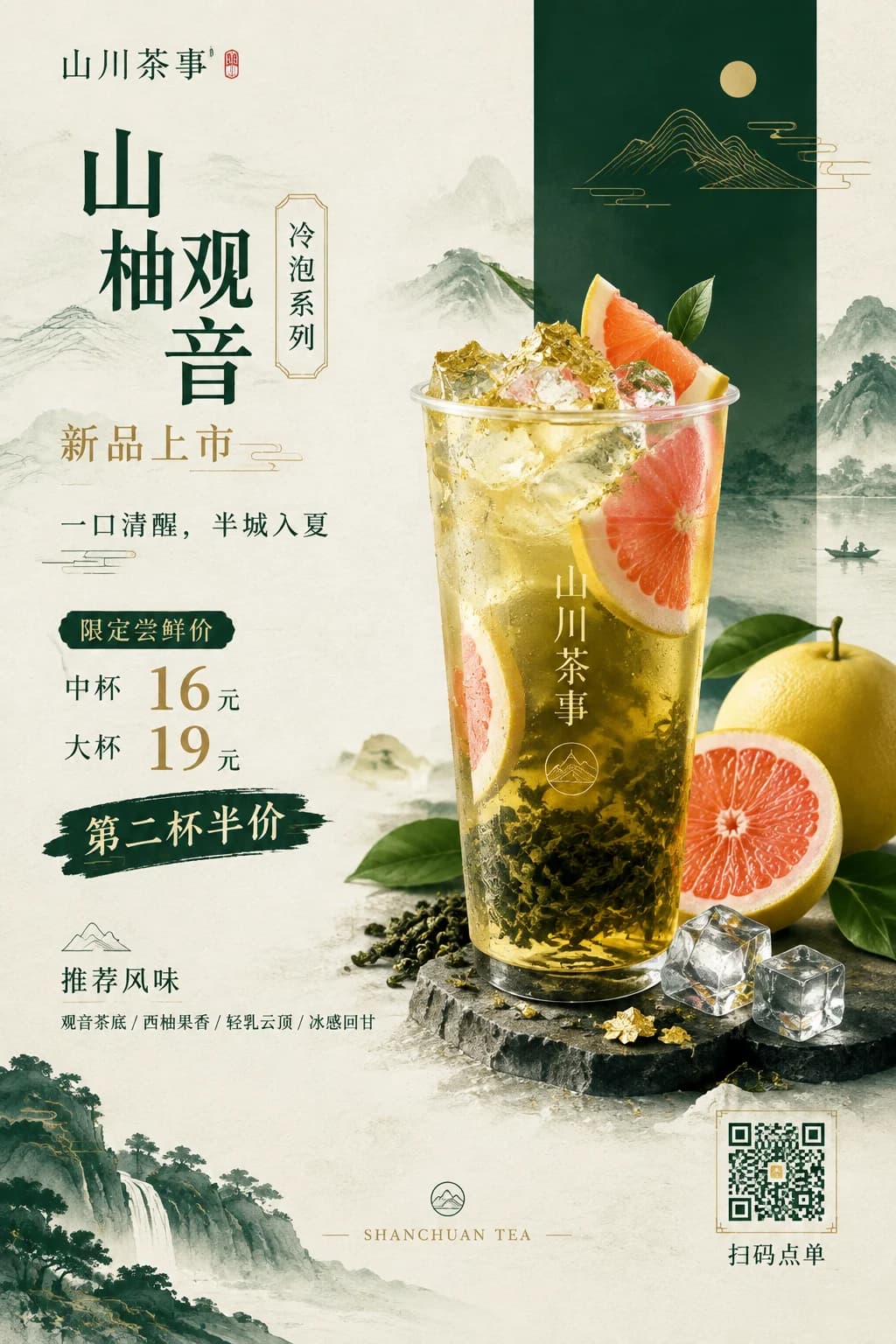
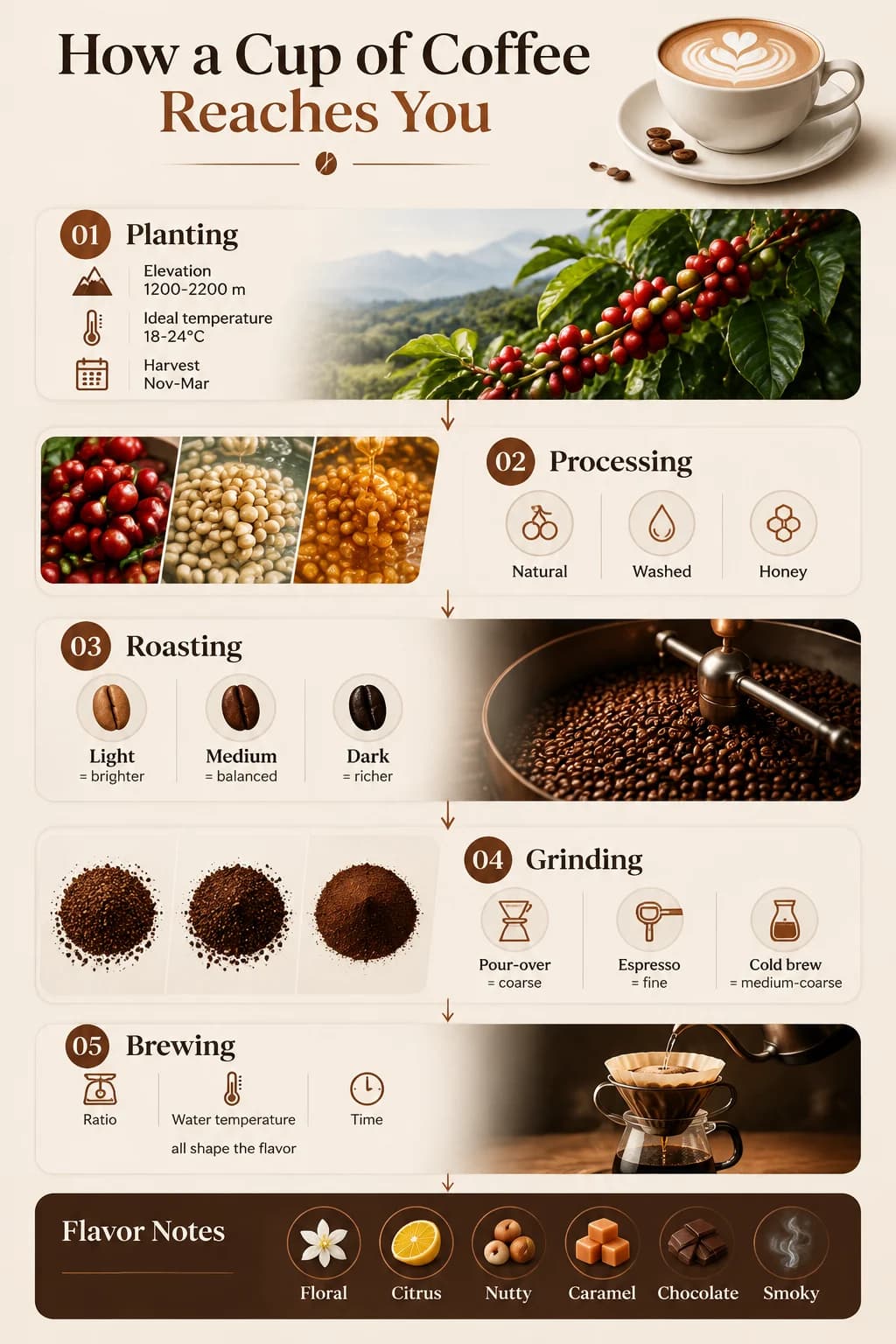
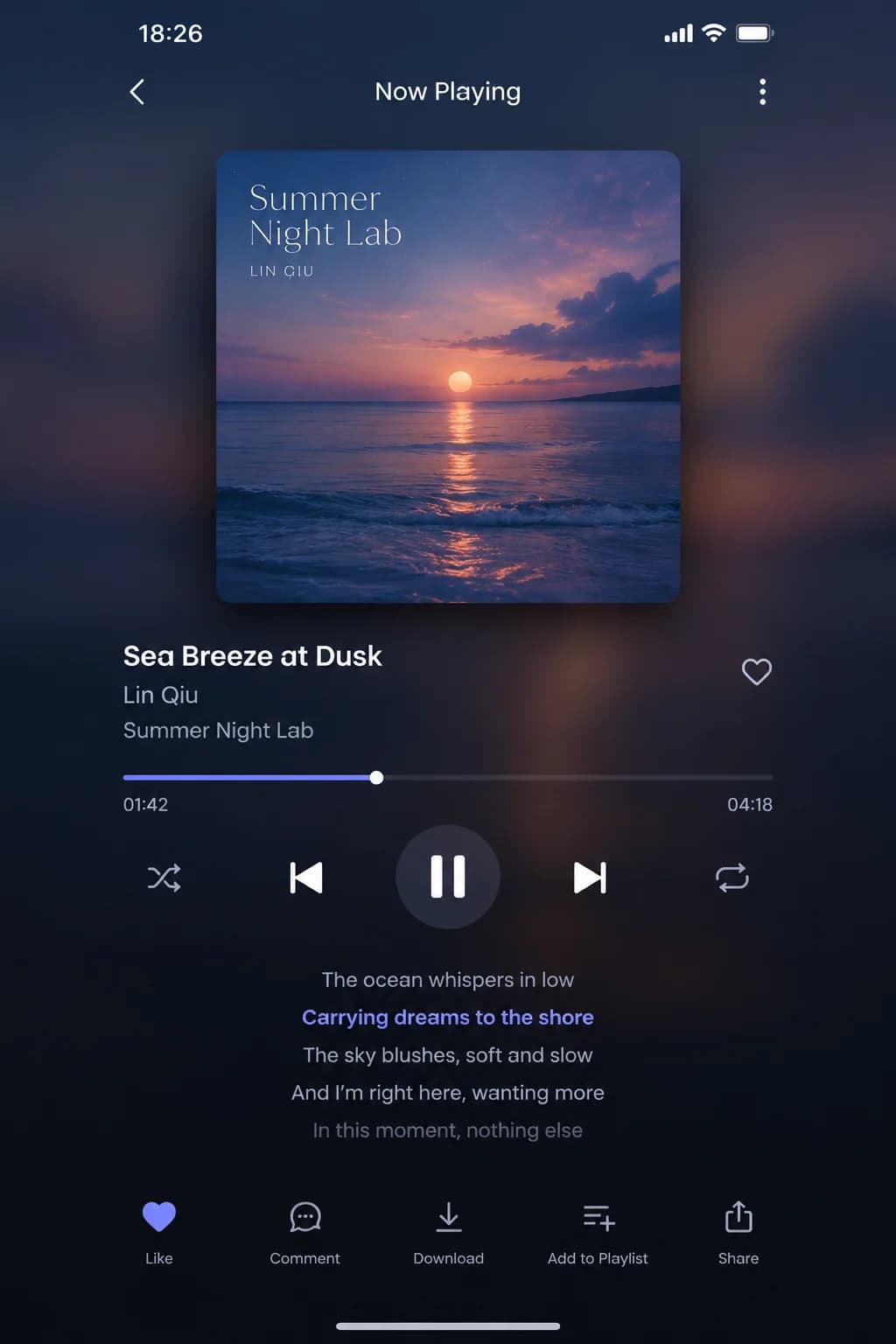
- GPT Image 22 credits
- GPT Image 2.5 Flare2 credits
- GPT Image 2.5 Sunburst3 credits
- GPT Image 1.51 credits
OpenAI GPT Image 2 model with enhanced image generation and editing capabilities
New accounts get 2 free credits · 2 credit per generation
Generation Results
Select a mode and enter a prompt to start creating
Made with GPT Image
Every image below was generated with GPT Image on this site. Open one to see the exact prompt and try it yourself.
ExamplesGPT Image: when the image has to be right
GPT Image is built for images that need to be accurate and usable — posters with real copy, infographics, UI mockups and product visuals. Describe it in detail and it follows the brief.
- Readable text
- Headlines, prices and labels render cleanly, in English and many other languages.
- Structured layouts
- Infographics, menus, slides and app screens keep their hierarchy and alignment.
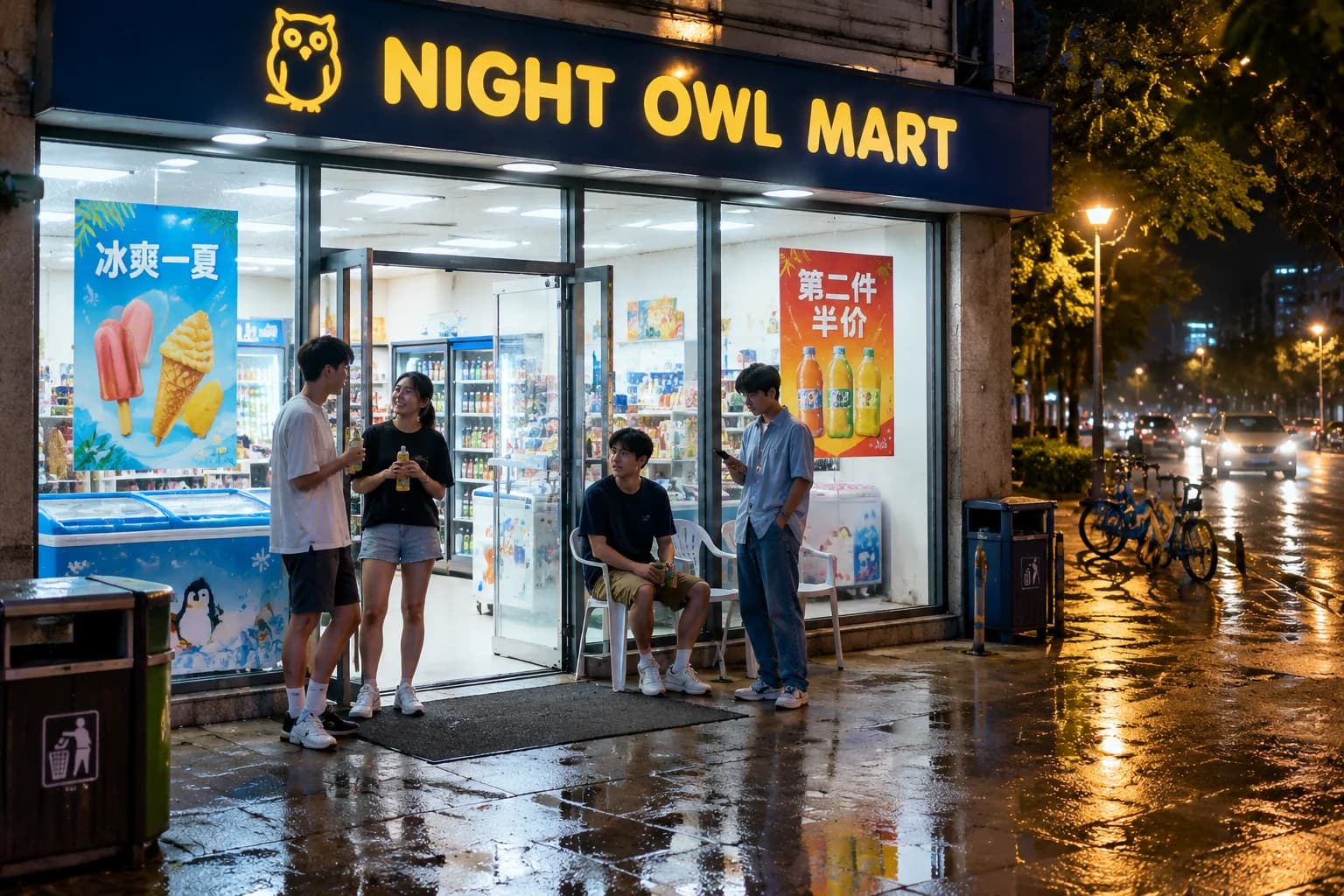
- Photoreal scenes
- Natural light, reflections and everyday details make photos believable.
What GPT Image does well
The GPT Image family is built for prompts that describe exactly what you want
Why GPT ImageFollows complex prompts
Describe layout, objects, lighting and mood in plain language. GPT Image keeps track of many details in a single prompt.
Readable text in images
Posters, menus, labels and UI mockups with text that actually reads correctly — one of GPT Image's best-known strengths.
Edit with words
Upload a photo and say what to change: swap the background, restyle the scene or add and remove objects.
Multiple references
Combine up to 5 reference images (depending on the version) to keep products, characters or styles consistent.
Sizes and aspect ratios
Pick the aspect ratio and output size that fits your use, from square social posts to wide banners.
Four versions to choose from
GPT Image 2.5 Flare is the fast everyday choice with higher quality than GPT Image 2; 2.5 Sunburst is tuned for demanding, tightly controlled edits. GPT Image 2 and 1.5 are also available.
What people make with GPT Image
From marketing assets to everyday visuals — wherever text and layout matter
Use casesPosters & ads
Launch posters, promo banners and social ads with accurate copy and prices.
Infographics
Explainers, process diagrams and knowledge cards that are easy to read.
UI mockups
App screens and web pages for pitches, prototypes and presentations.
Product images
Clean product shots and detail-page visuals for online stores.
Menus & signage
Café menus, price boards and in-store signs with exact wording.
Realistic photos
Street, lifestyle and documentary scenes that look captured, not generated.
Teaching materials
Diagrams, flashcards and slides for classes and training.
Social content
Covers, carousels and thumbnails ready to post.
Edit and combine with plain language
Upload one or more images and describe the change. GPT Image keeps what you don't mention and changes what you do — from the season in a street photo to the background of a product shot.
- Targeted edits
- Swap backgrounds, change the weather or restyle a scene while the composition stays put.
- Multiple references
- Combine up to 5 images (depending on the version) to keep products and characters consistent.
- Pick the right version
- Use 2.5 Flare for speed, 2.5 Sunburst for demanding edits, or GPT Image 2 and 1.5.
More AI tools
Try another idea. These tools work in one click too.
AI Headshot Generator
Turn any portrait into a professional headshot
AI Pet ID Photo
Generate professional ID photos with one click
AI Avatar Generator
Create your personalized avatar with one click
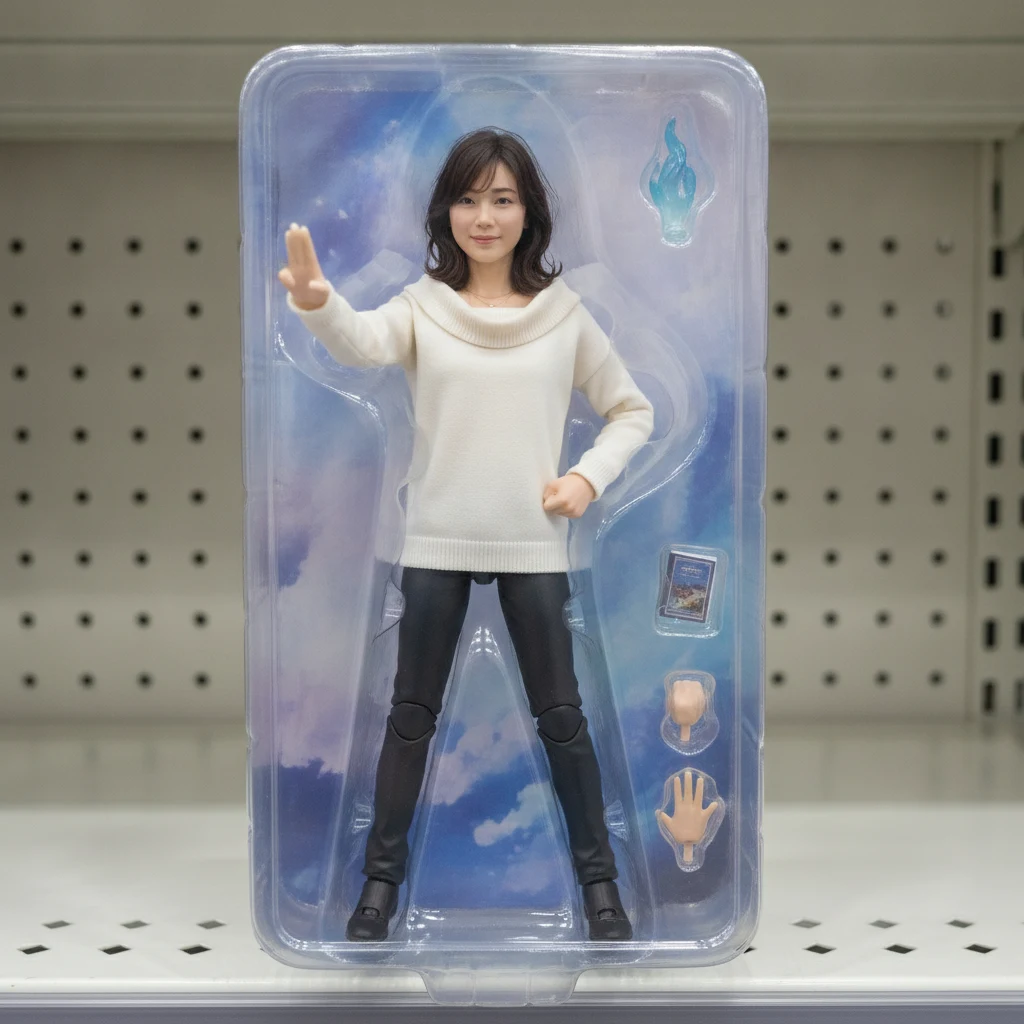
AI Action Figure Generator
Turn your portrait into a collectible figure
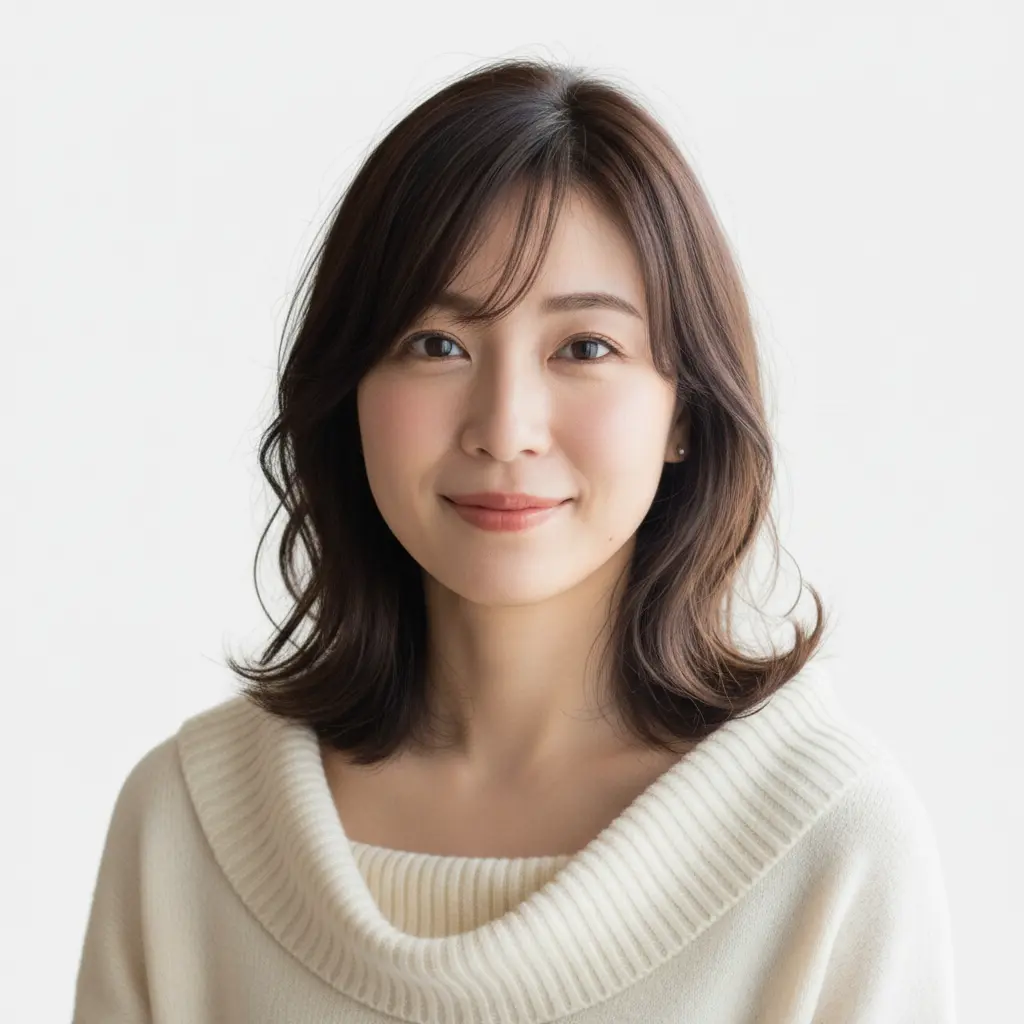
US ID Photo
Generate Standard US ID Photos with One Click
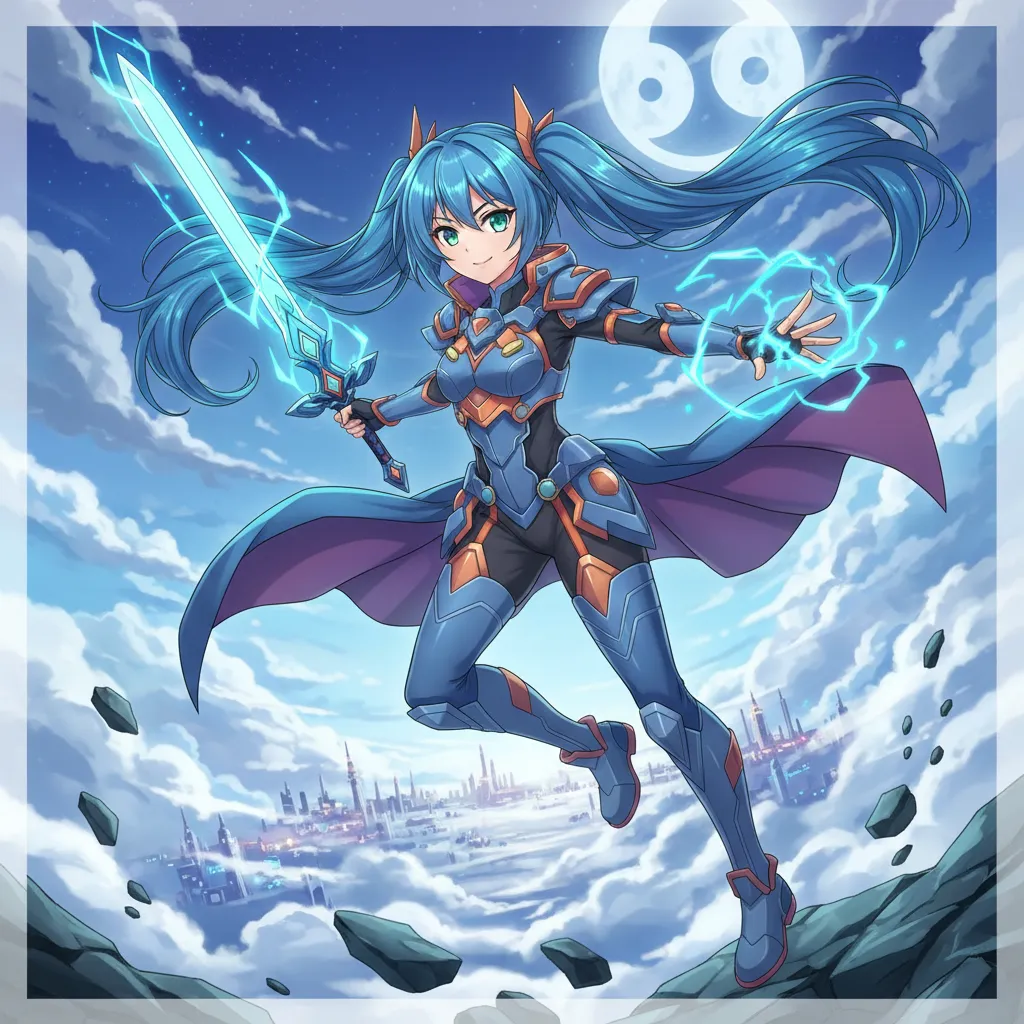
OC Maker
Create Your Own Unique Character
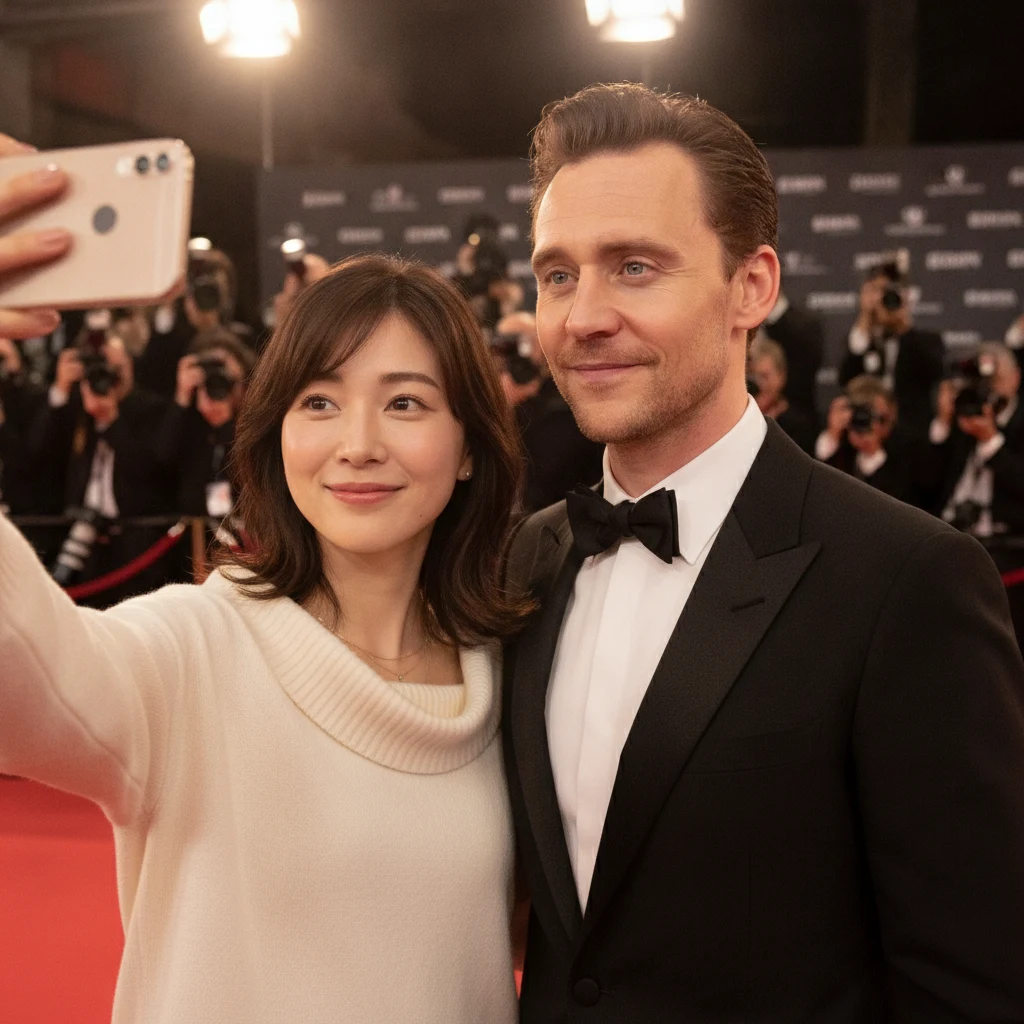
AI Selfie with Celebrities Generator
Generate realistic selfies with celebrities in one click
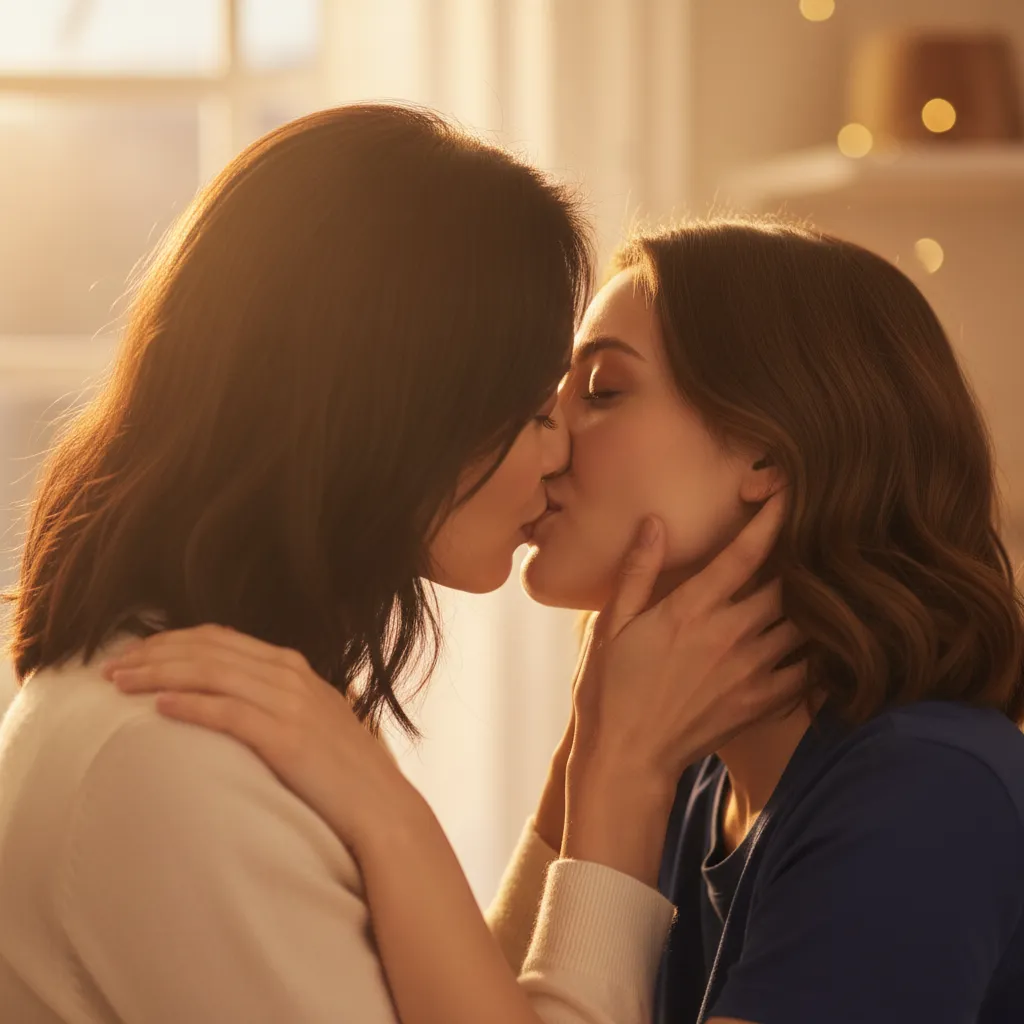
AI Kiss Generator
Upload photos of two people, generate a romantic kiss instantly
 AI Image Animator
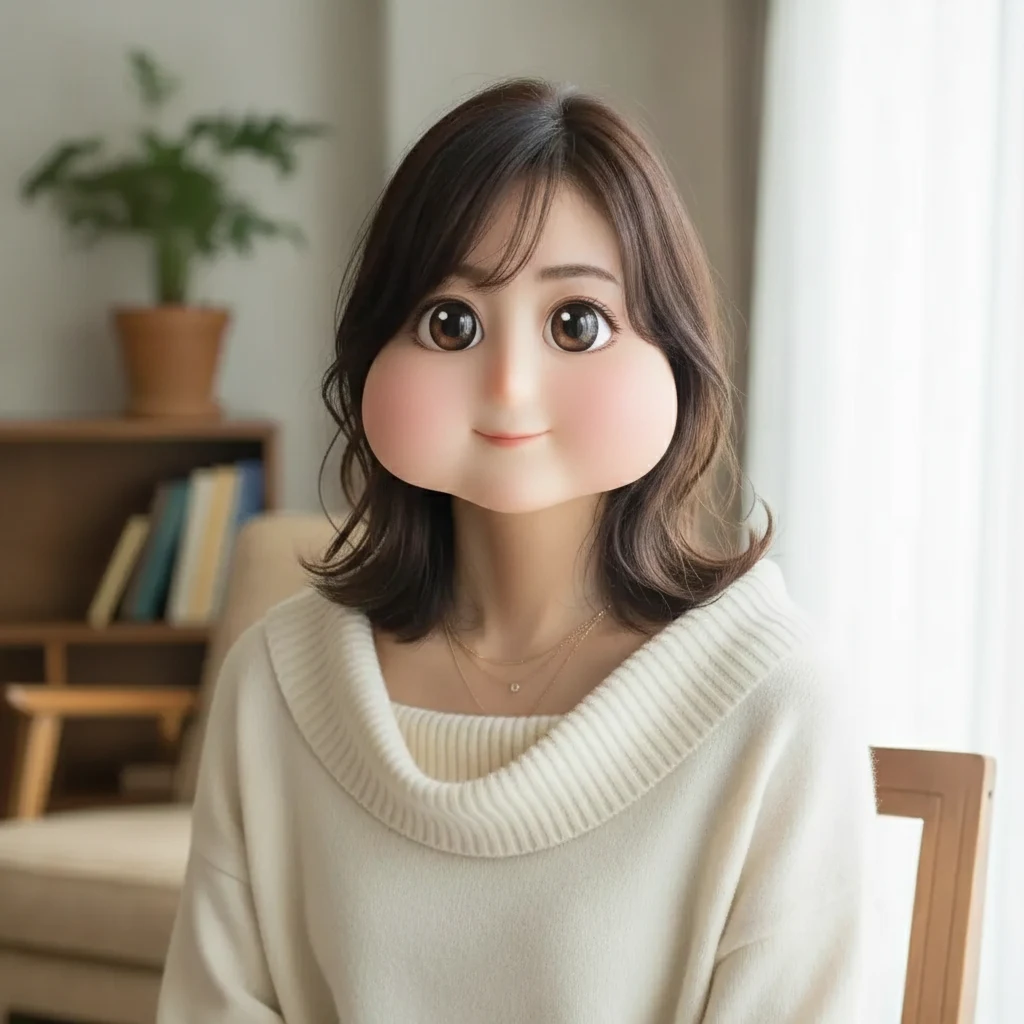 Square Face Generator
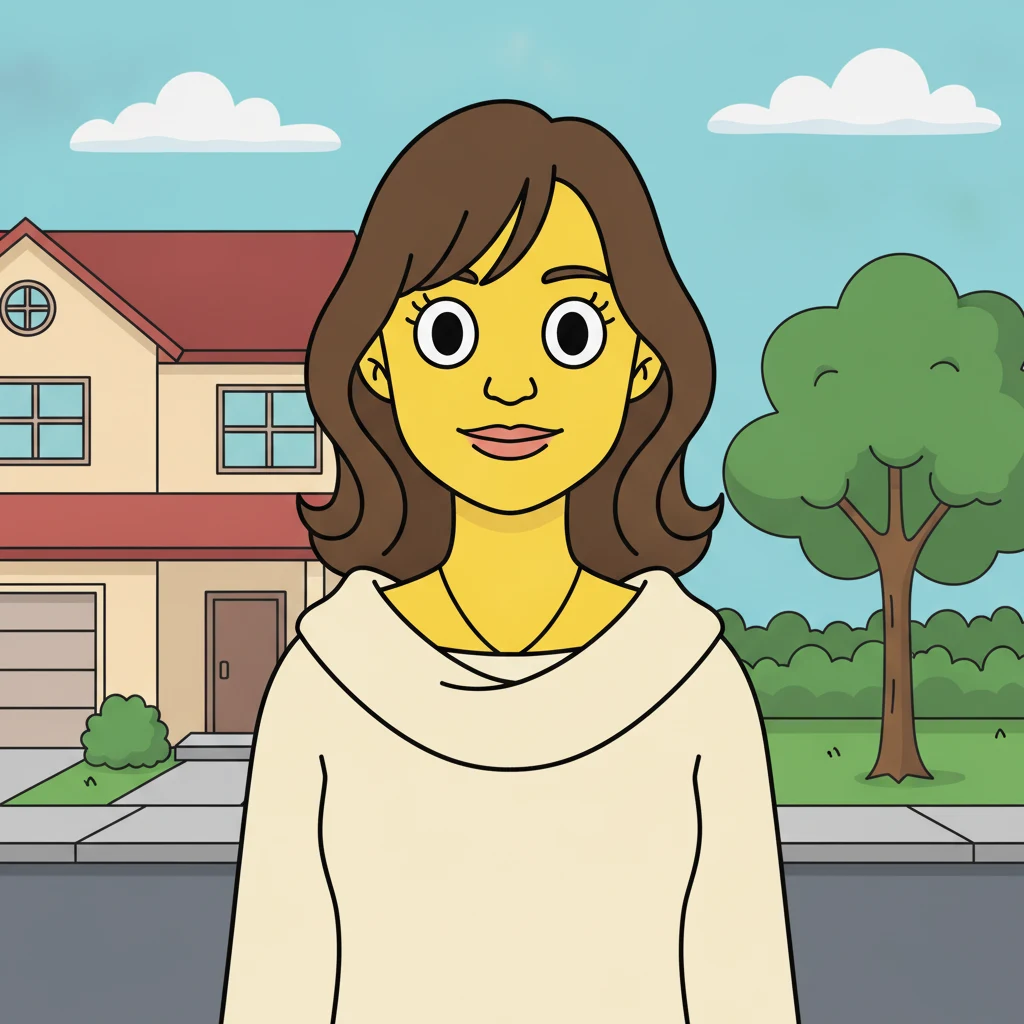 AI Simpsons Character Generator
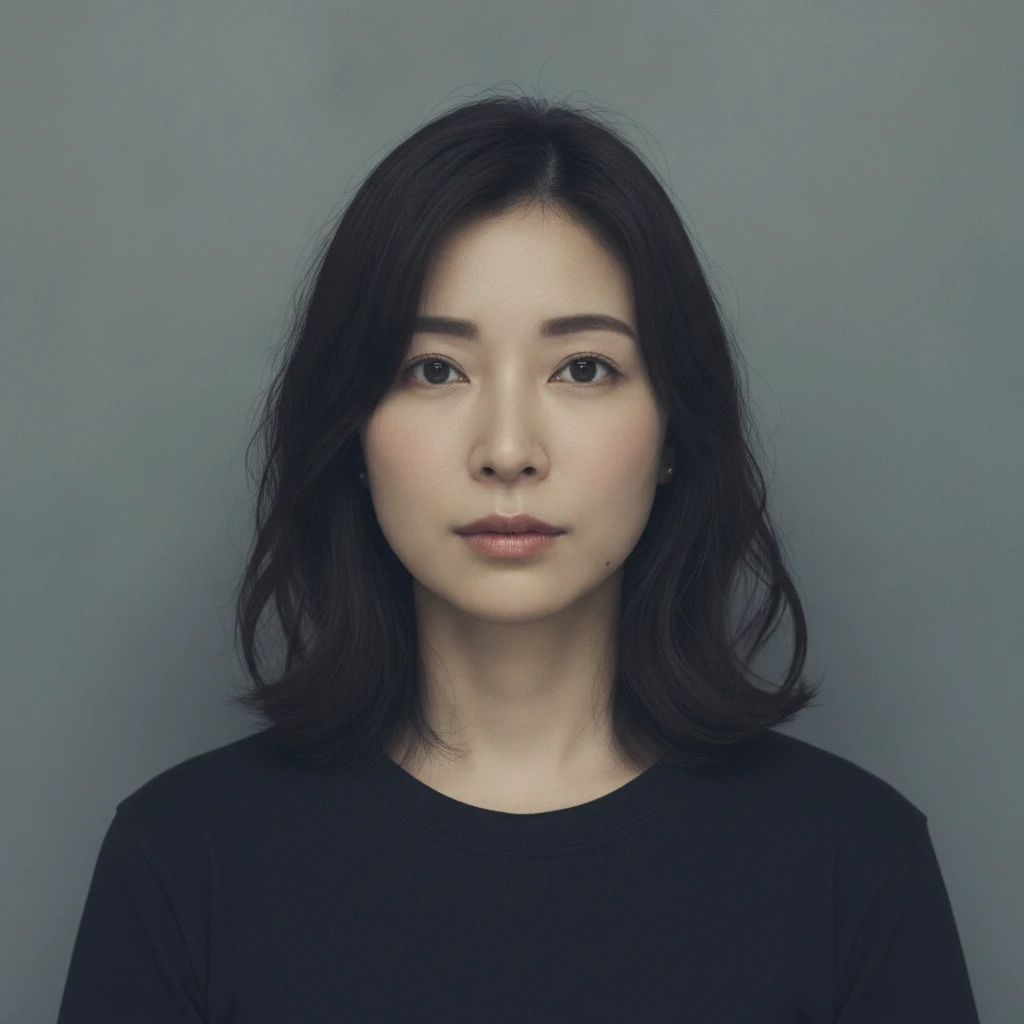 AI Mugshot Maker
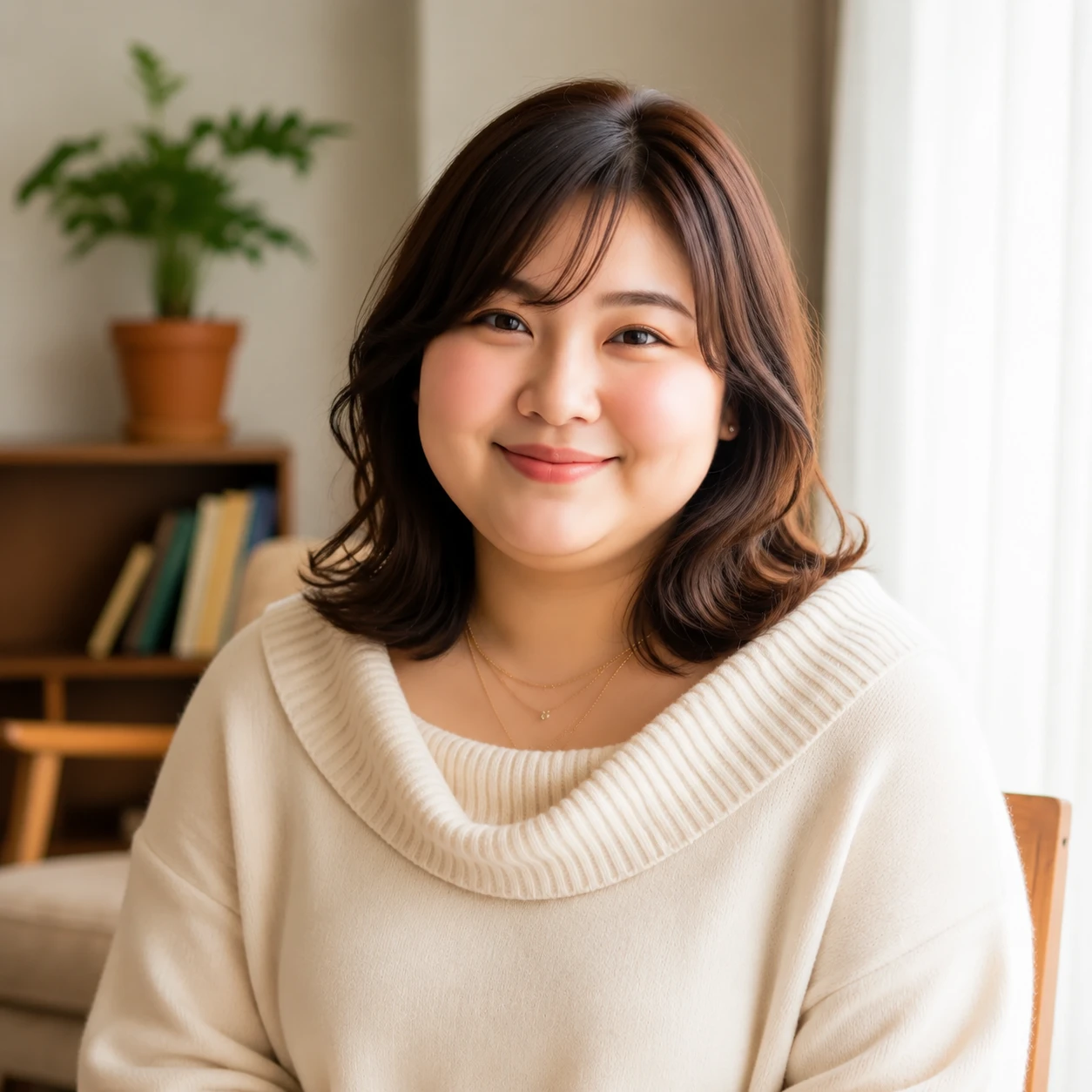 AI Fat Filter
About GPT Image
Common questions about generating images with GPT Image on our platform