Dating App Profiles
Build a lineup with an outdoor shot, a social shot and a clear portrait for Tinder, Hinge, Bumble and similar apps.
Great for
- Tinder
- Hinge
- Bumble
- Coffee Meets Bagel
One selfie, six natural lifestyle shots Upload a clear selfie and pick a scene. The AI keeps your face, features and skin tone, then rebuilds the outfit, setting and lighting so your profile shows more than a bathroom-mirror photo.
Free credits on sign-up · No credit card required
Choose from Outdoor Adventure, City Night, Casual Coffee, Professional Look, Beach Vacation and Golden Hour to build a varied photo lineup in minutes, without booking a photographer.
Use one clear, well-lit photo where your face is fully visible, then choose a scene
Drag & Drop or Click to Select
Drag image here · Or click to select file
Supports JPG, PNG, WEBP, HEIC and HEIF · Max file size: 3MB
OpenAI GPT Image 1.5 model with powerful image generation and editing capabilities
Select a mode and enter a prompt to start creating
Every example below was generated from a single casual selfie
Showcase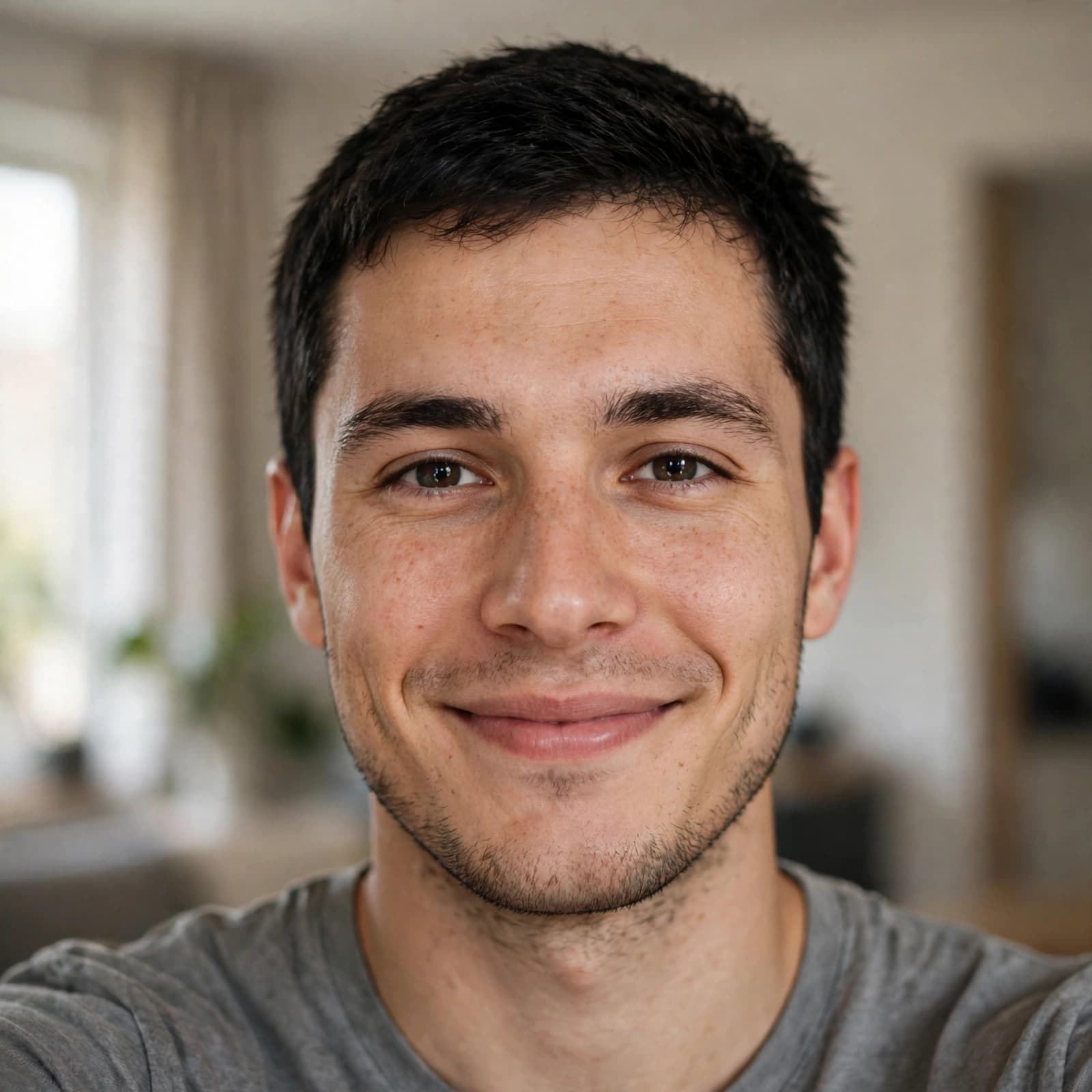
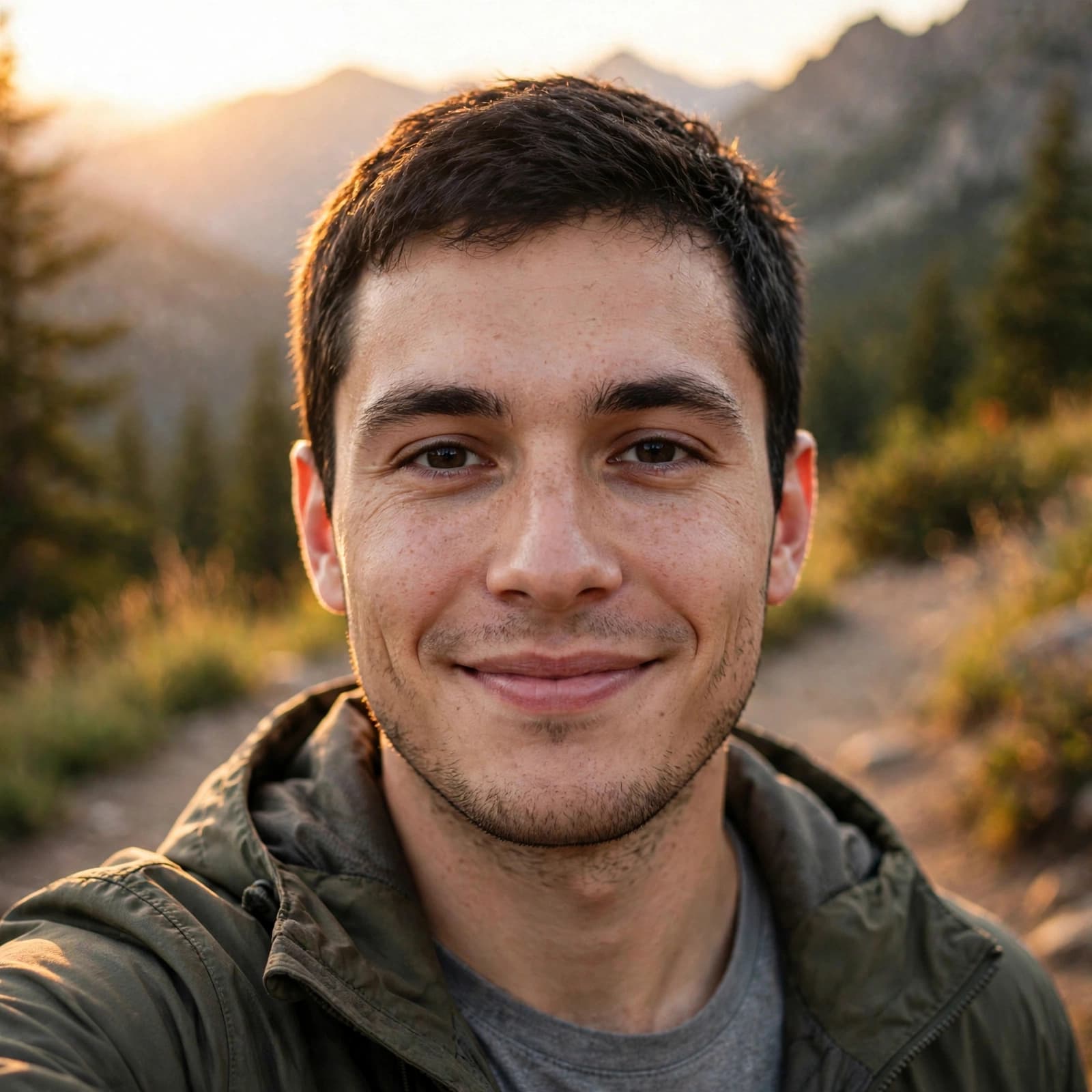
Show your personality, not just your face
Why It WorksIdentity-preserving prompts keep your facial structure and skin tone, so you look like yourself on a good day, not a stranger.
Key BenefitsSoft daylight, warm café light and golden-hour sun make portraits feel relaxed instead of over-edited.
Key BenefitsOutdoor, social, professional and vacation scenes help your profile tell a fuller story about your life.
Key BenefitsNo photographer, no outfit changes and no awkward posing. Upload once and generate the scenes you need.
Key BenefitsTip: mix AI photos with recent, unedited pictures so matches know exactly who they are meeting.
Refresh any profile where first impressions matter
Use CasesBuild a lineup with an outdoor shot, a social shot and a clear portrait for Tinder, Hinge, Bumble and similar apps.
Update avatars and cover photos with natural lifestyle portraits that match your style.
The Professional Look style also works for networking profiles where you want to appear approachable.
Every style is tuned to look like a candid photo, not an AI render
FeaturesKeeps your face shape, features and skin tone without beautification.
Outdoor Adventure, City Night, Casual Coffee, Professional Look, Beach Vacation and Golden Hour.
Shallow depth of field, natural poses and genuine expressions like a candid shot.
Clothing changes to fit each setting, from hiking jackets to blazers and summer shirts.
Switch between Nano Banana, Seedream, GPT Image and more to find the result you like best.
Your selfie is only used for the current generation and is not saved to your account.
Try another idea. These tools work in one click too.
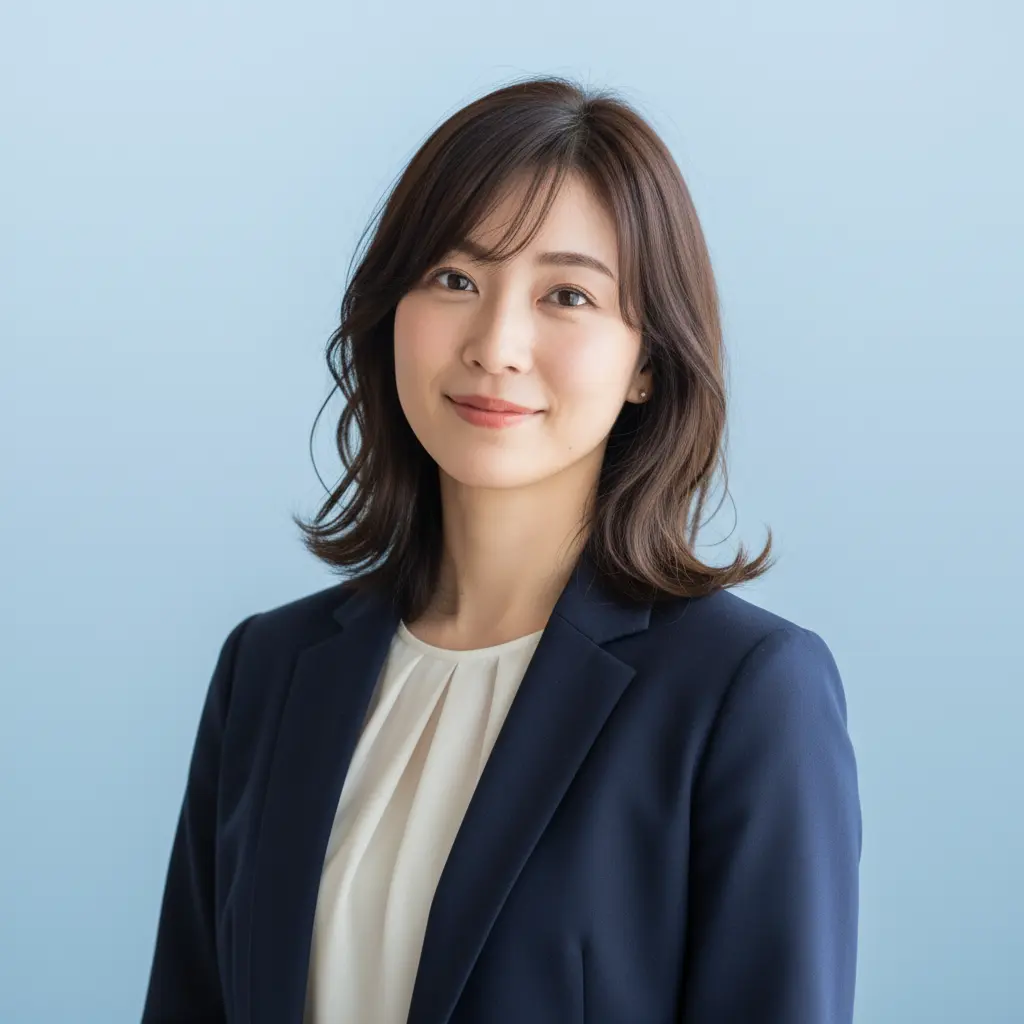
Turn any portrait into a professional headshot
Generate professional ID photos with one click
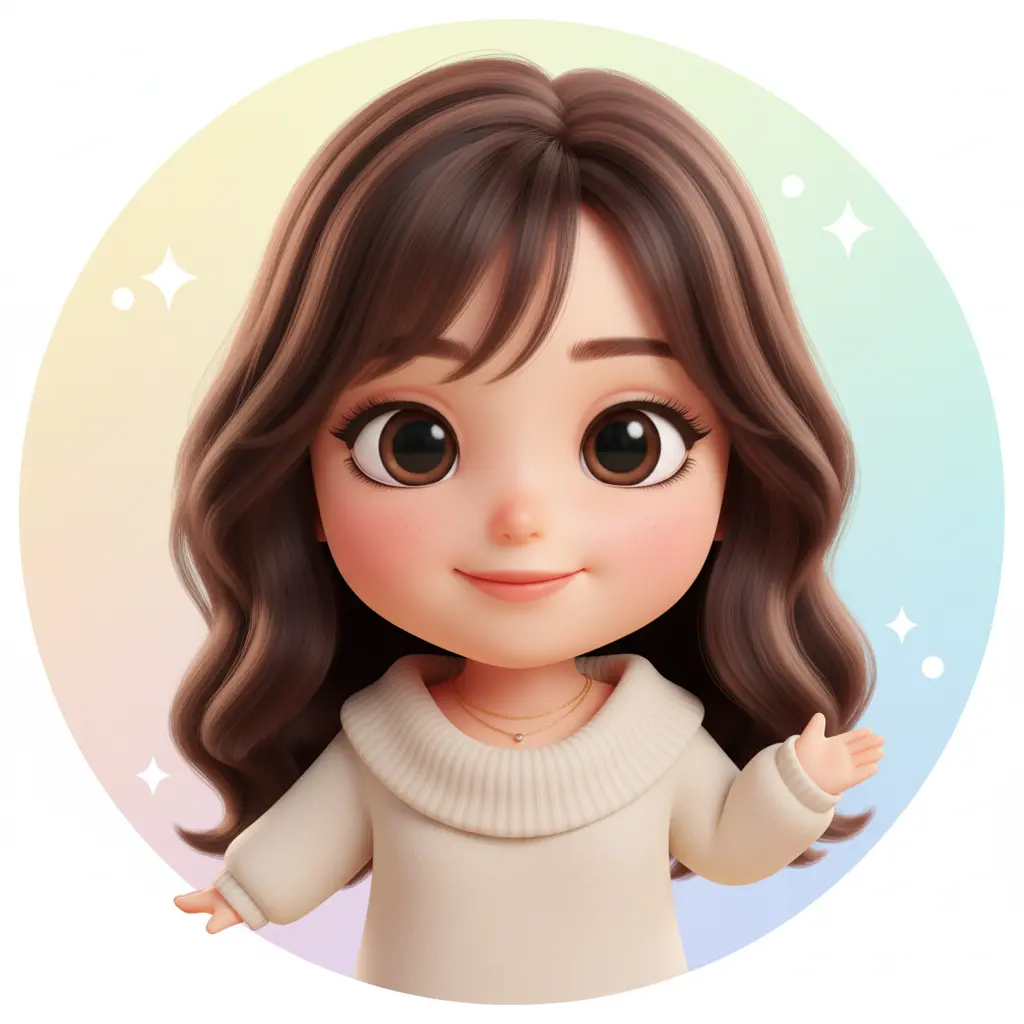
Create your personalized avatar with one click
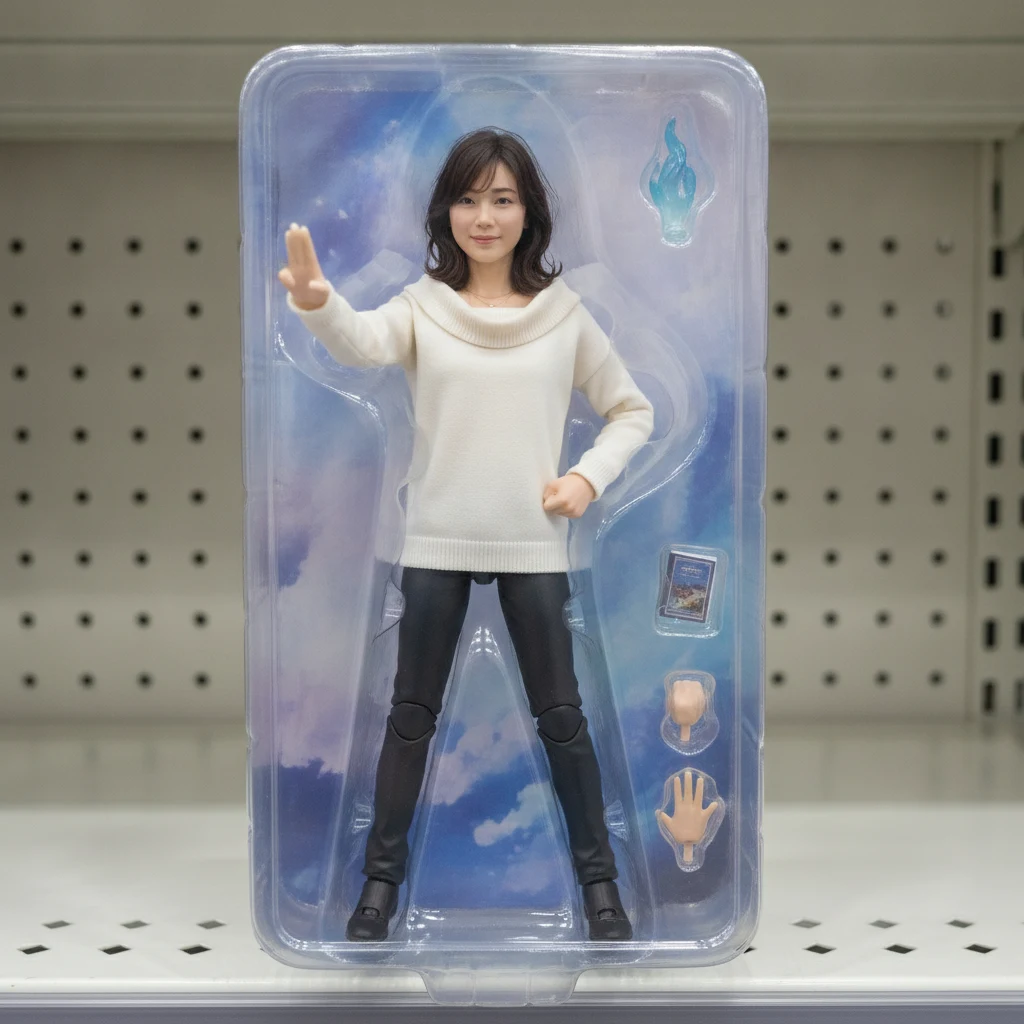
Turn your portrait into a collectible figure
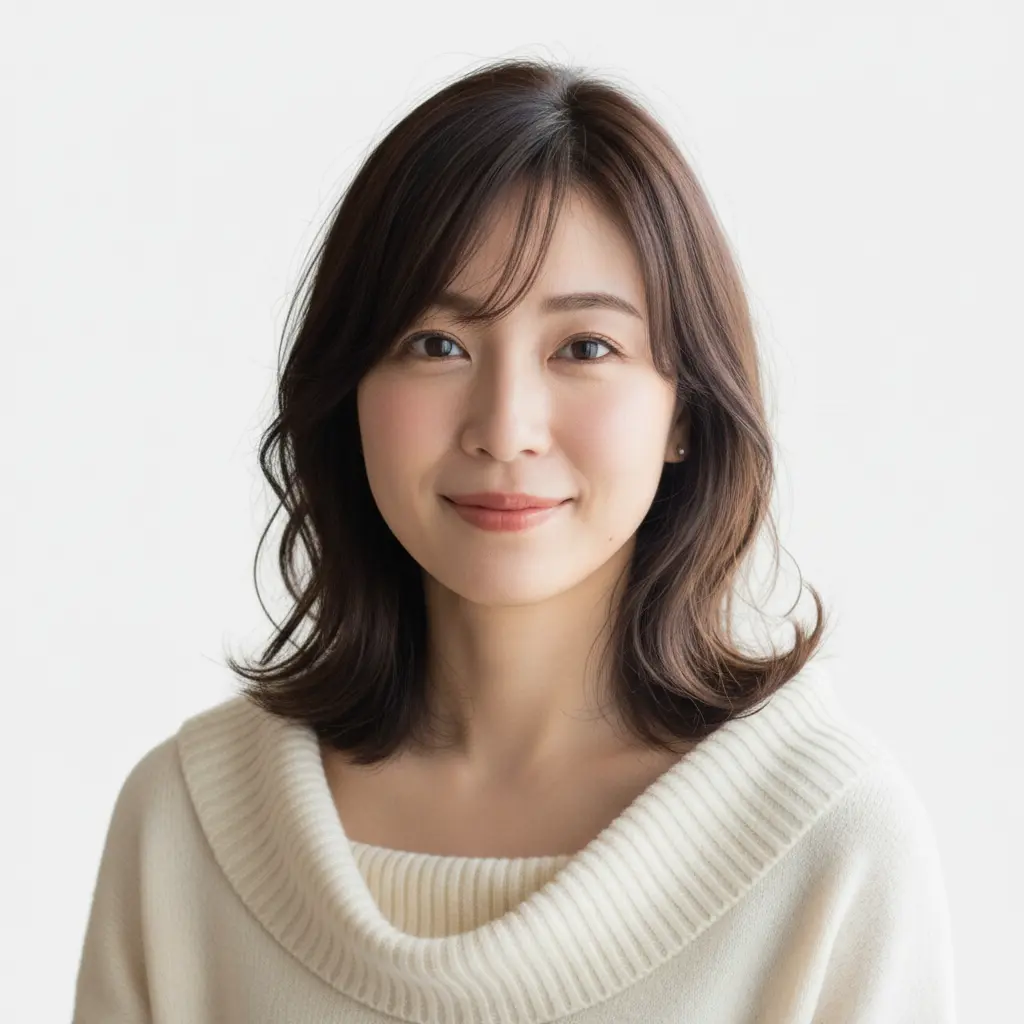
Generate Standard US ID Photos with One Click
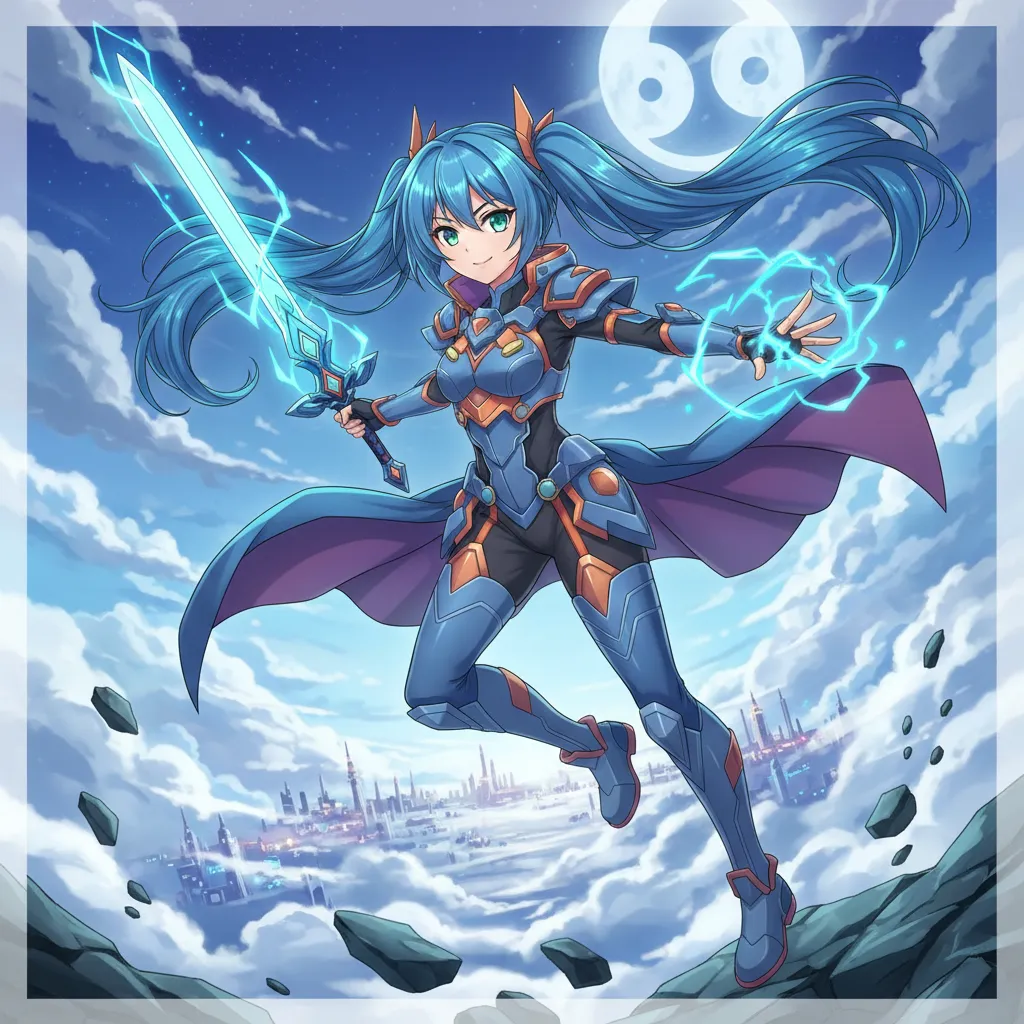
Create Your Own Unique Character
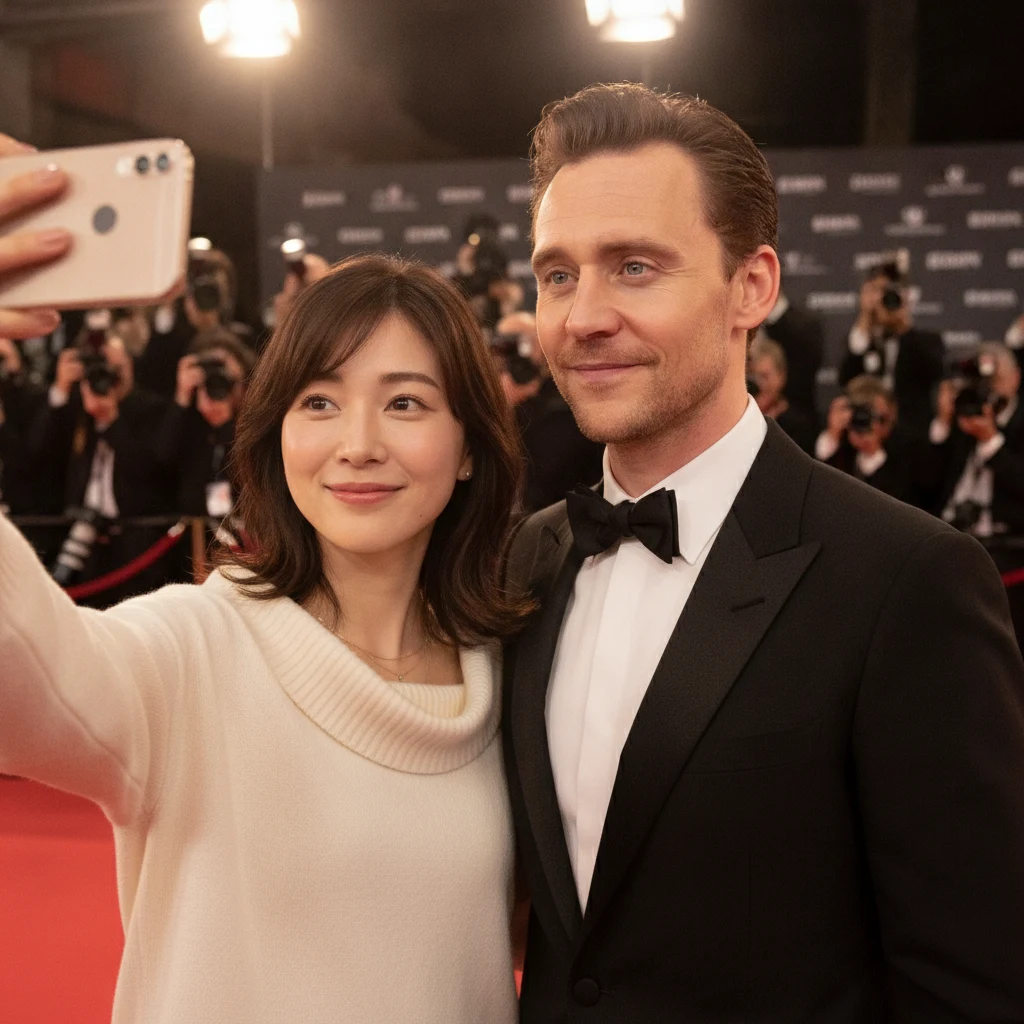
Generate realistic selfies with celebrities in one click
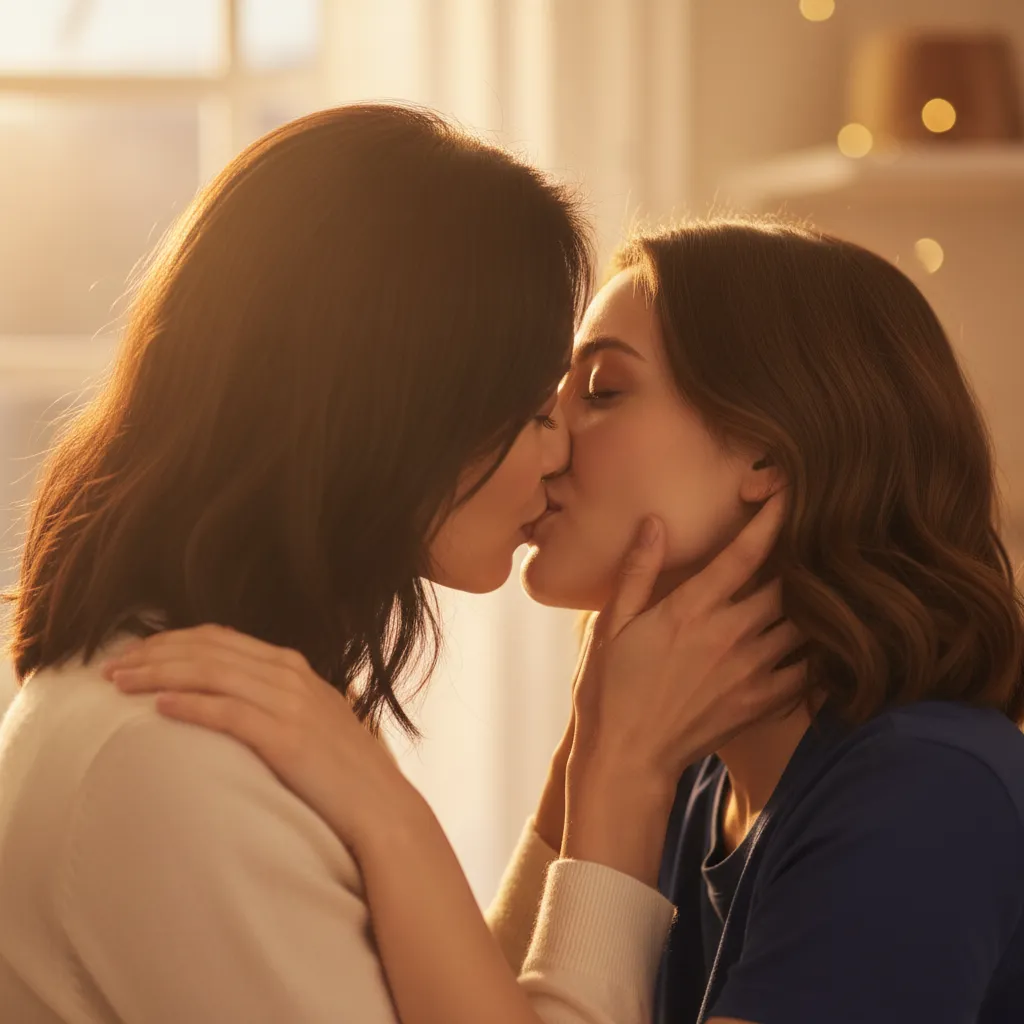
Upload photos of two people, generate a romantic kiss instantly
What to know before creating AI dating photos
Still have questions? Contact our support team and we will help you out.
Upload one clear selfie, choose a style such as Outdoor Adventure or Casual Coffee, and click generate. The AI keeps your face and changes the scene, outfit and lighting around you.
The prompts are written to preserve your facial structure, features and skin tone without beautification. Results can vary, so review each photo and only use the ones that genuinely look like you.
Many people use them to present themselves better, but honesty matters. Use photos that clearly show your real face, mix them with recent unedited pictures, and check each app's photo guidelines.
A front-facing or slightly angled photo with even lighting, a neutral expression or natural smile, and no sunglasses, hats or filters. Head-and-shoulders framing gives the AI the most detail.
Yes. Upload once, then switch the generation type to create all six scenes from the same photo.
The cost depends on the AI model you select and is shown on the generate button before you start. See the pricing page for current details.
Your uploaded selfie is only used for the current generation and is not saved to your account or shown publicly. Generated photos are kept in your private history so you can download them.
JPG, PNG, WEBP, HEIC and HEIF. iPhone photos in HEIC format can be uploaded directly.
A few examples of profiles that got a refresh
User StoriesMy old profile was all mirror selfies. The outdoor and golden-hour shots finally look like the weekend version of me.
Sam
Hinge user
Replaced his mirror selfie
The coffee-shop photo feels relaxed and natural. I kept two AI photos and three recent ones, and the profile feels much more like me.
Lena
Bumble user
Liked the café style
I never have time to book a photographer. Six scenes from one selfie was exactly what I needed to update everything at once.
Mike
Busy professional
No time for a photoshoot
Use AI photos alongside recent real photos for an honest, well-rounded profile.
 AI Image Animator
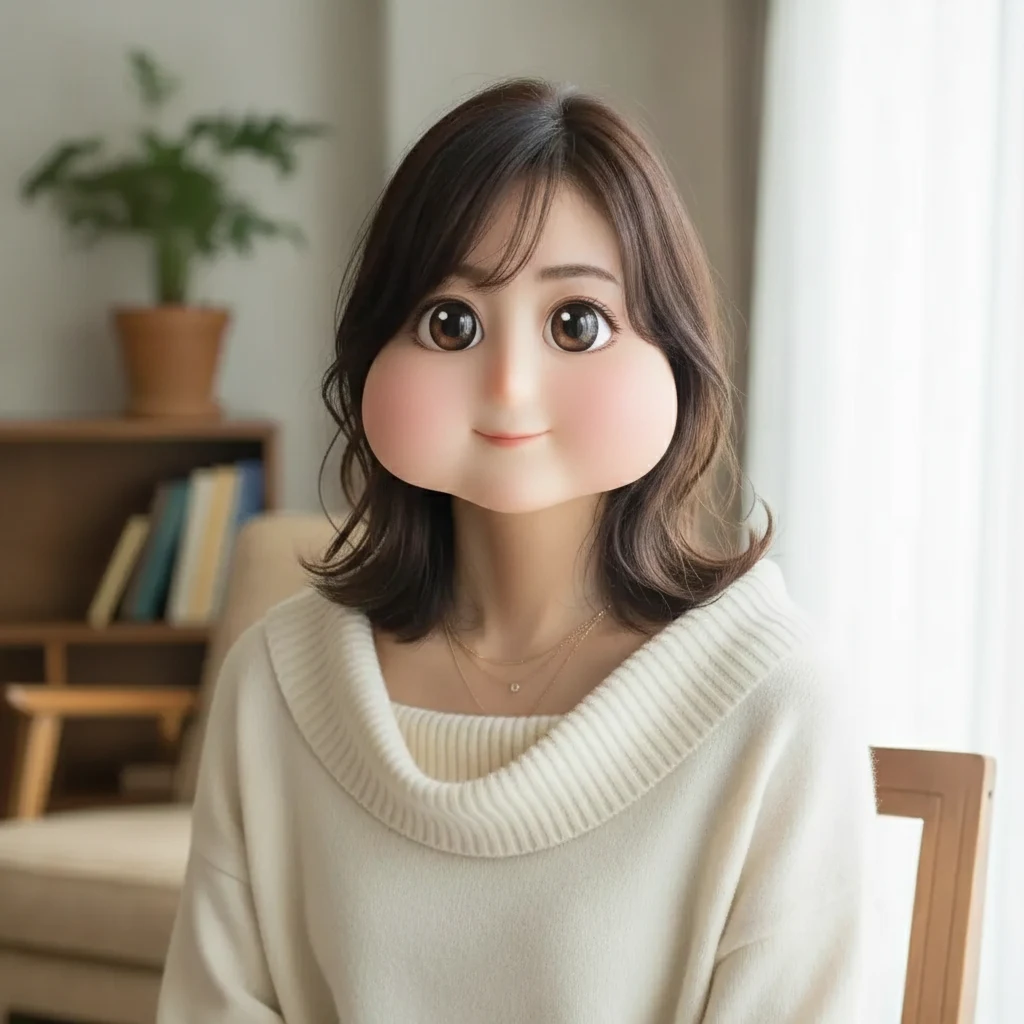 Square Face Generator
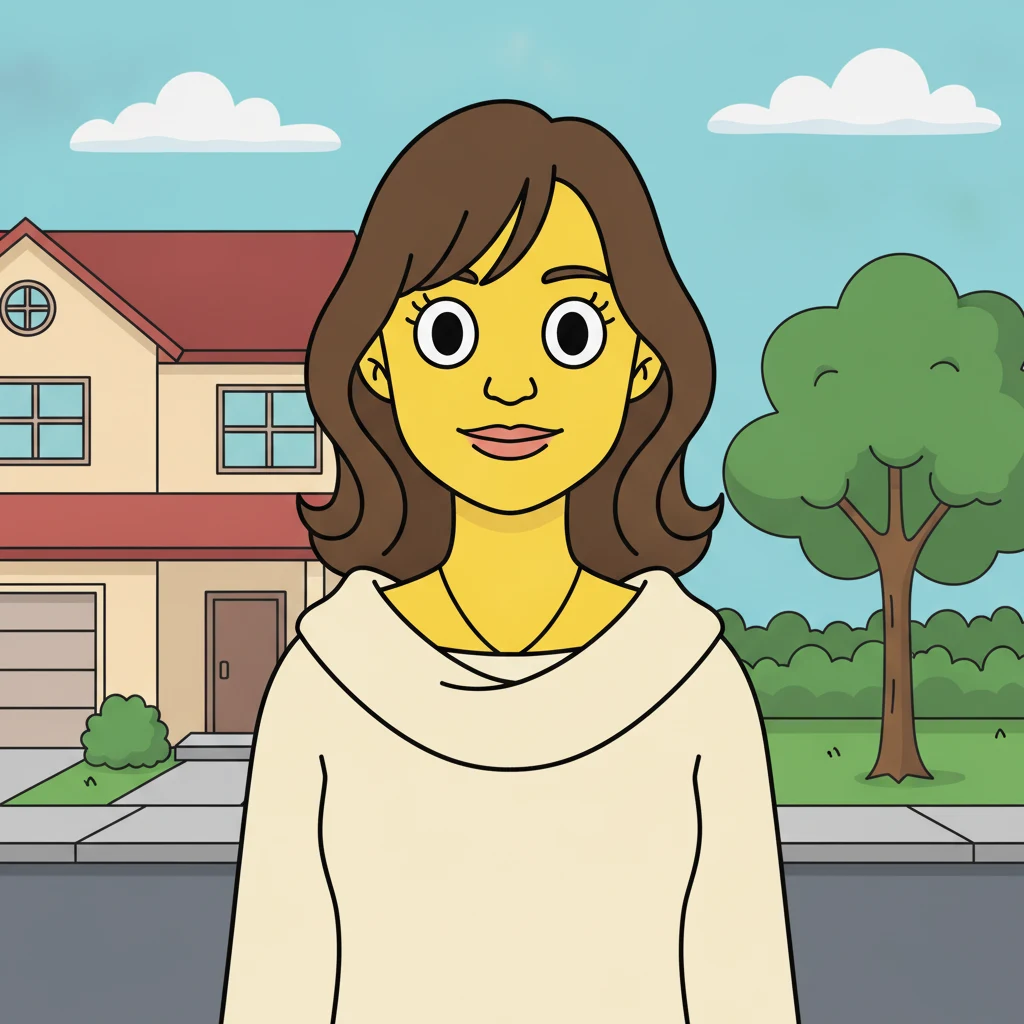 AI Simpsons Character Generator
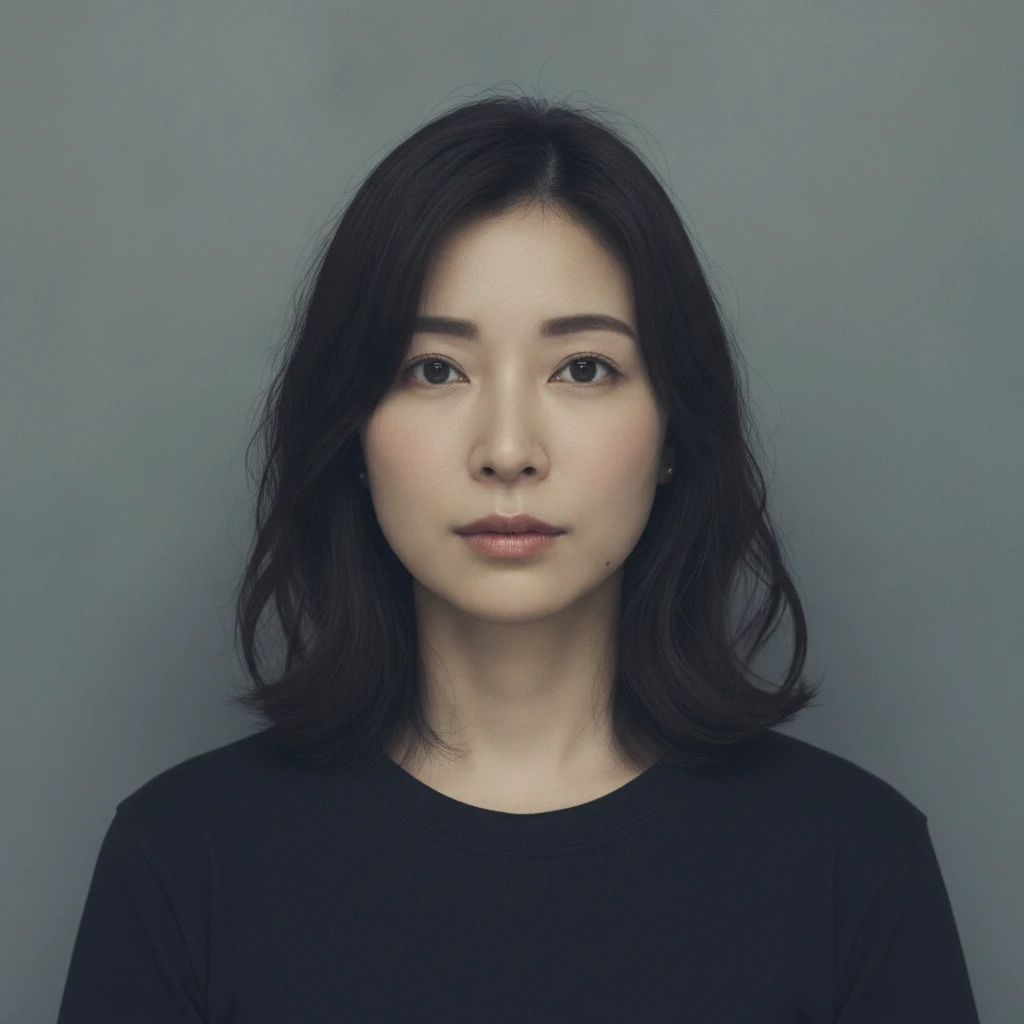 AI Mugshot Maker
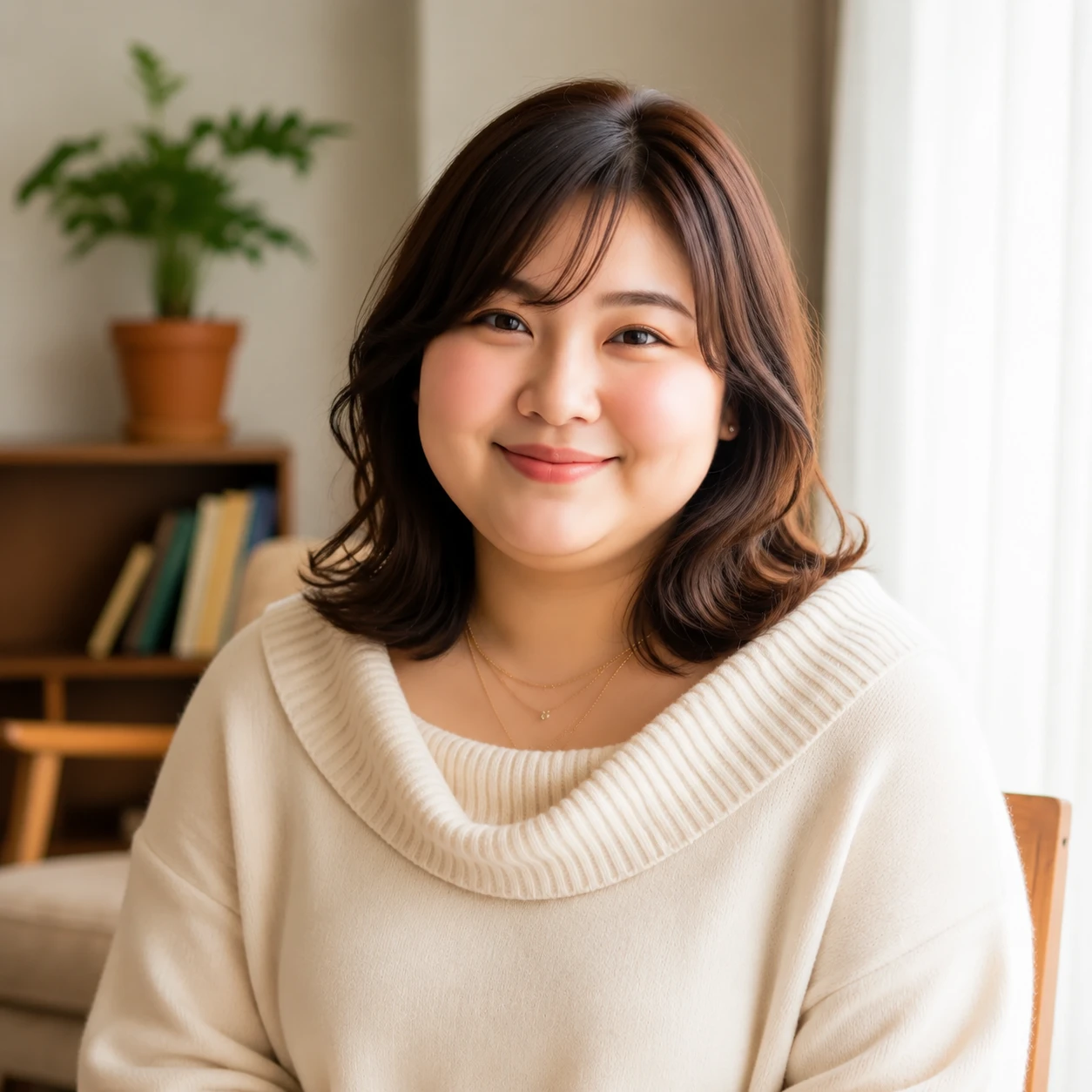 AI Fat Filter
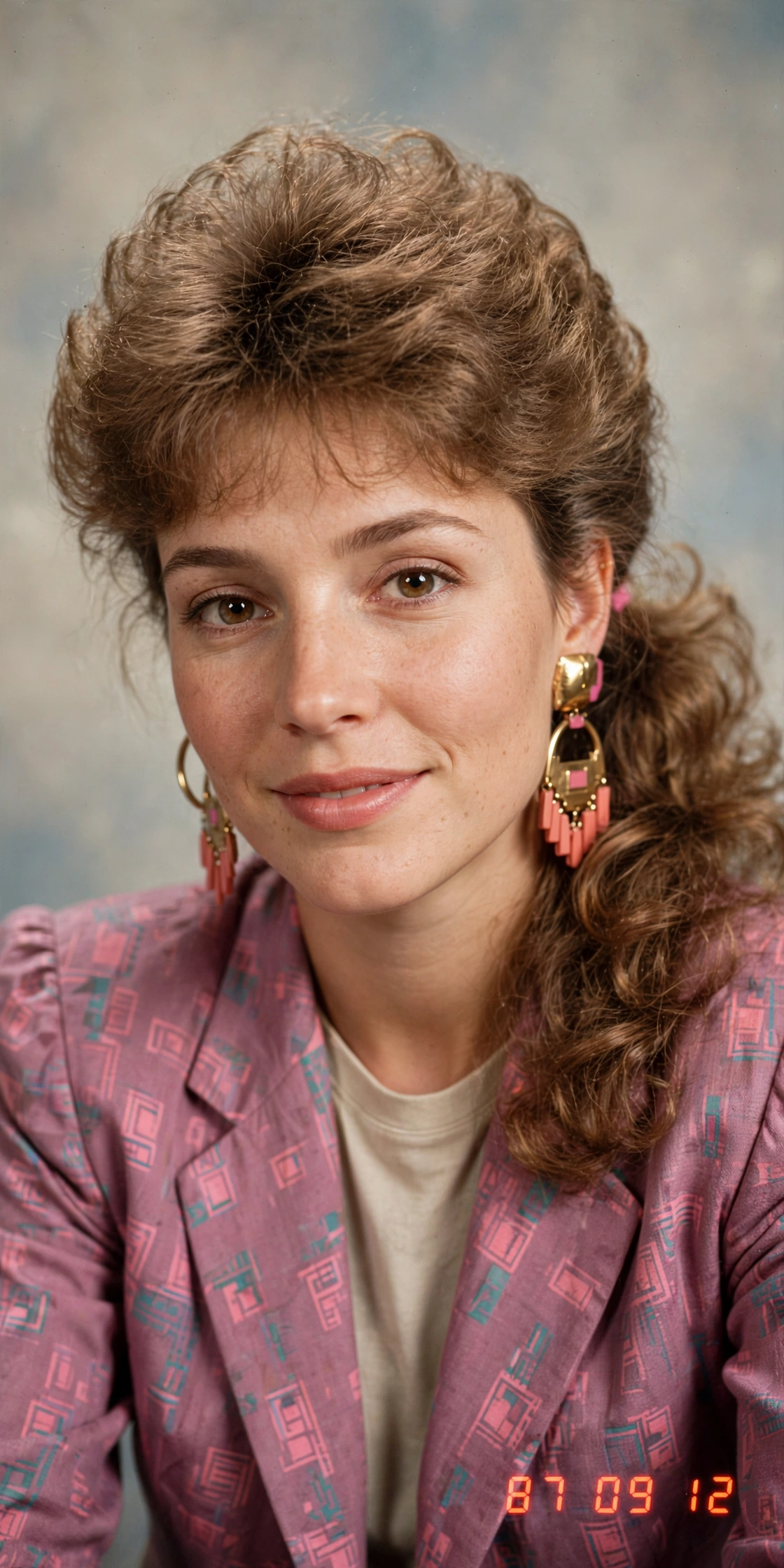 AI 80s Photo Generator
 AI Baby Generator
 AI Mascot Photo Generator
 AI Maternity Photoshoot